Lao
Lao  English
  Arabic
  Khmer
Khmer  Korean
  Russian
  Chinese (Simplified)
  Chinese (Traditional)
  Somali
  Spanish
  Tagalog
  Ukrainian
  Vietnamese
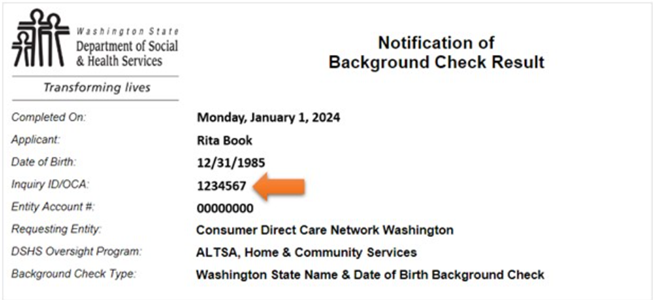
If you completed a fingerprint check while working for CDWA, you can find the number by following the steps below.
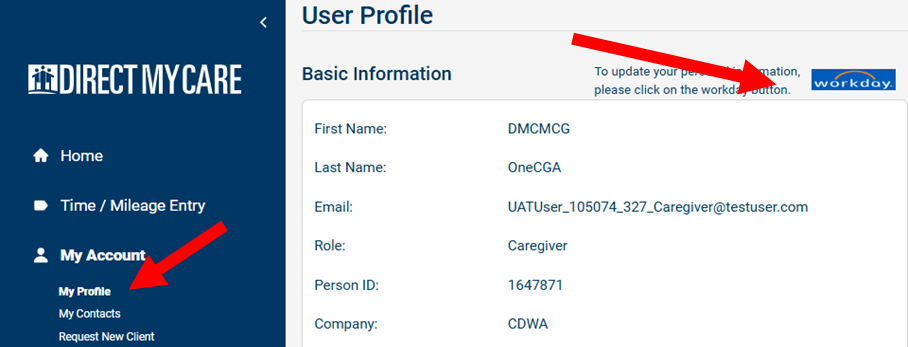
Step 1: Sign in to your DirectMyCare web portal account.
Step 2: Click on the Workday button.
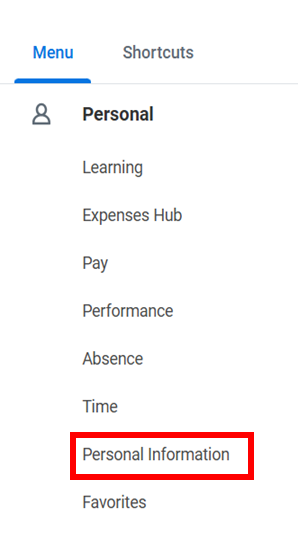
Step 3: Click on Menu

Step 4: Click Personal Information.
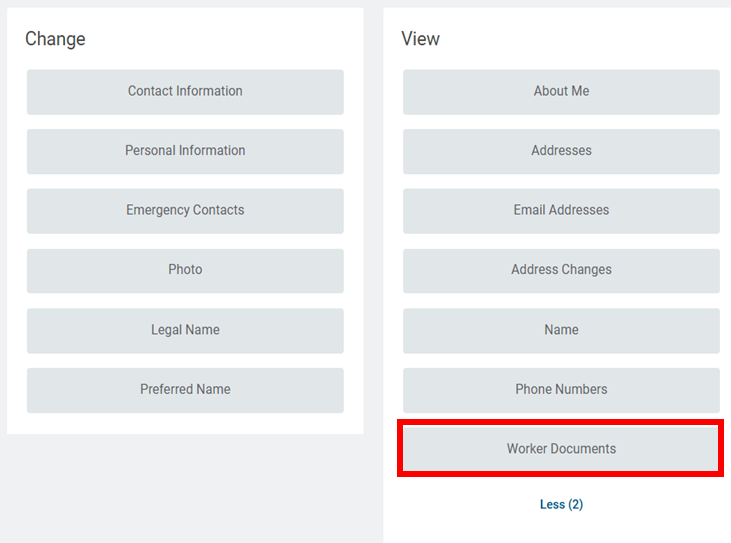
Step 5: Click Worker Documents.
Step 6: Open your background check results document to find the OCA number.